
AI Resume Generator: Create a Tailored, ATS-Ready Resume in Minutes
An AI resume generator turns your experience and a target job posting into a polished, tailored resume in minutes. Paste the job description, and the assistant drafts a summary, achievement bullets, and a skills section matched to that specific role — so you start from a strong draft instead of a blank page.
It will not guarantee you a job. What it does is remove the hardest part of applying: getting your real experience onto the page in the language that recruiters and hiring software actually look for, then letting you refine it fast.
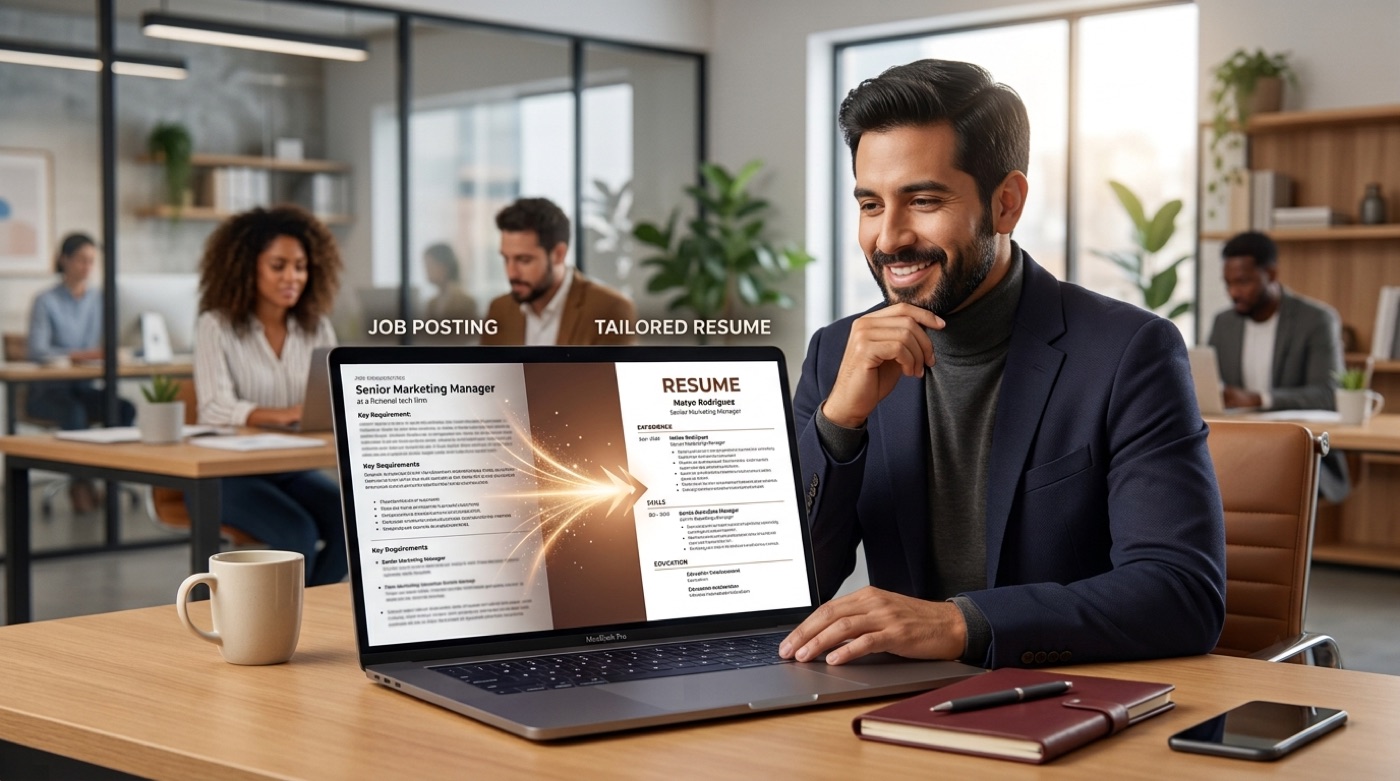
What an AI resume generator actually does
At its core, an AI resume generator reads two things: your background and the job you want. From those inputs it writes each part of the resume and adapts the wording to the position. The same experience can be framed for a “Senior Marketing Manager” role one minute and a “Growth Lead” role the next — the facts stay true, but the emphasis shifts to match the posting.
Most tools handle the whole document: a professional summary, work-experience bullet points, a skills list, and often a matching cover letter. You stay in control — you review every line, correct anything inaccurate, and regenerate weak sentences until the resume sounds like you. Think of it as a fast, tireless first-draft writer, not a replacement for your judgment.

How it works, step by step
The workflow is short and repeatable. Here is the loop most people follow:
- Choose a starting point — paste a job description to tailor to a role, or describe your experience from scratch.
- Let the assistant draft each section: summary, experience, skills.
- Read every line and fix anything that is inaccurate or generic.
- Regenerate weak bullets, asking for numbers and stronger verbs.
- Export a clean, parseable file and adjust for each new application.
Paste a job posting or start from your experience
Tailoring works best when you give the assistant the exact posting. It can then mirror the required skills, tools, and keywords. If you do not have a specific job yet, you can still generate a solid general resume and tailor it later for each application.
Generate, review, refine
The draft is a starting point, never the final word. Always verify facts — an AI can phrase things generically or overstate a result. Keep the wins real: if you increased sign-ups by 30%, say 30%, not “significantly.” The review step is where a good resume becomes a great one.
Making your resume ATS-friendly
Before a human reads your resume, software usually does. An Applicant Tracking System (ATS) parses your file, stores it in a database, and helps recruiters search and filter candidates. If the software cannot read your resume cleanly, a person may never see it.
This is not a niche problem. According to Jobscan’s analysis of large employers:
98.4% of Fortune 500 companies use an applicant tracking system.
Jobscan ATS Usage Report
A good AI-powered resume generator keeps output ATS-safe by default: standard section headings, a simple single-column layout, no text trapped inside images, and keywords pulled straight from the posting. If you want the full checklist, see our guide to building an ATS-friendly resume with AI.

Tailoring your resume to the job description
One generic resume sent to twenty jobs almost always underperforms twenty versions matched to each posting. That is exactly the work an AI generator makes fast. It compares your experience with the job’s requirements, surfaces the skills and keywords that matter, and rewrites your summary and bullets to speak to that role.
The result reads as if you wrote it specifically for that company — because, with a quick review, you did. Learn the full method in our walkthrough on generating a resume from a job description.
The resume sections an AI generator writes
A résumé follows conventions employers expect, and the assistant fills each one. For a deeper reference on structure, the Wikipedia entry on the résumé covers standard sections and history.
Professional summary. A two-to-four line pitch at the top, tailored to the target role, that tells the reader who you are and why you fit.
Work experience. The heart of the resume. Each bullet follows a simple shape — action verb, task, measurable result — and the assistant helps you quantify vague duties into concrete achievements.
Skills. A focused list of hard and soft skills drawn from the posting, so the keywords a recruiter searches for are actually present.
| Section | What it answers | AI’s job |
|---|---|---|
| Summary | Who are you, in one glance? | Draft a role-specific pitch |
| Experience | What have you achieved? | Turn duties into measurable bullets |
| Skills | Can you do the work? | Match keywords to the posting |
| Education | What’s your background? | Format cleanly and consistently |

Cover letters and matching applications
Many roles still ask for a cover letter, and the same inputs produce one. Because the assistant already knows your experience and the job, it can draft a letter that echoes your resume without repeating it word for word. Keep it short, personal, and specific. Our guide on pairing a resume with a matching cover letter shows how to keep both aligned.
Templates and formats
Format matters as much as content, because the wrong layout can confuse both readers and software. Three formats cover almost every case:
- Chronological — lists jobs newest-first; the default and the safest for ATS parsing.
- Functional — leads with skills; useful for career changers or gaps, but riskier with software.
- Hybrid — a combination that opens with a skills summary, then a chronological history.
A generator applies clean, parseable templates so you do not fight with spacing and columns. Compare the options in our overview of resume templates and formats.
AI resume generator vs writing it yourself or hiring a writer
There is no single right answer — it depends on your time, budget, and goals.
| Approach | Speed | Cost | Personalization |
|---|---|---|---|
| AI resume generator | Minutes | Free–low | High, with your review |
| Writing it yourself | Hours | Free | Highest, but slow |
| Professional writer | Days | $100–$400+ | Deep, but pricey |
For most job seekers, an AI resume builder is the fastest way to a strong, personalized draft you then make your own. If your situation is complex, a human writer adds value — see our comparison of an AI generator versus a professional resume writer. For broader job-search context and occupational data, the U.S. Bureau of Labor Statistics’ Occupational Outlook Handbook is a reliable, free reference.

Tips to get the best results
A few habits make the difference between a generic draft and an interview-winning resume:
- Paste the actual job posting, not a paraphrase.
- Give specific achievements with real numbers.
- Review every claim for accuracy before you send it.
- Keep formatting simple — no tables or images for ATS versions.
- Proofread the final file, then tailor it again for the next role.
Whether you want a free first draft or a fully tailored application, an AI resume builder gives you a faster, calmer start — and you stay in charge of every word. Curious what a free AI resume generator can and cannot do? That guide breaks down the trade-offs.